2 November 2026 · How-to
How to explore a place page on Local Past
Find a village, street, or house on Local Past and read the timeline of photos, records, and memories linked to it.
Every place on Local Past — a county, a village, a street, or a single house — can hold a timeline of what people have shared about it. Here is how to explore that without getting lost.
Find the place
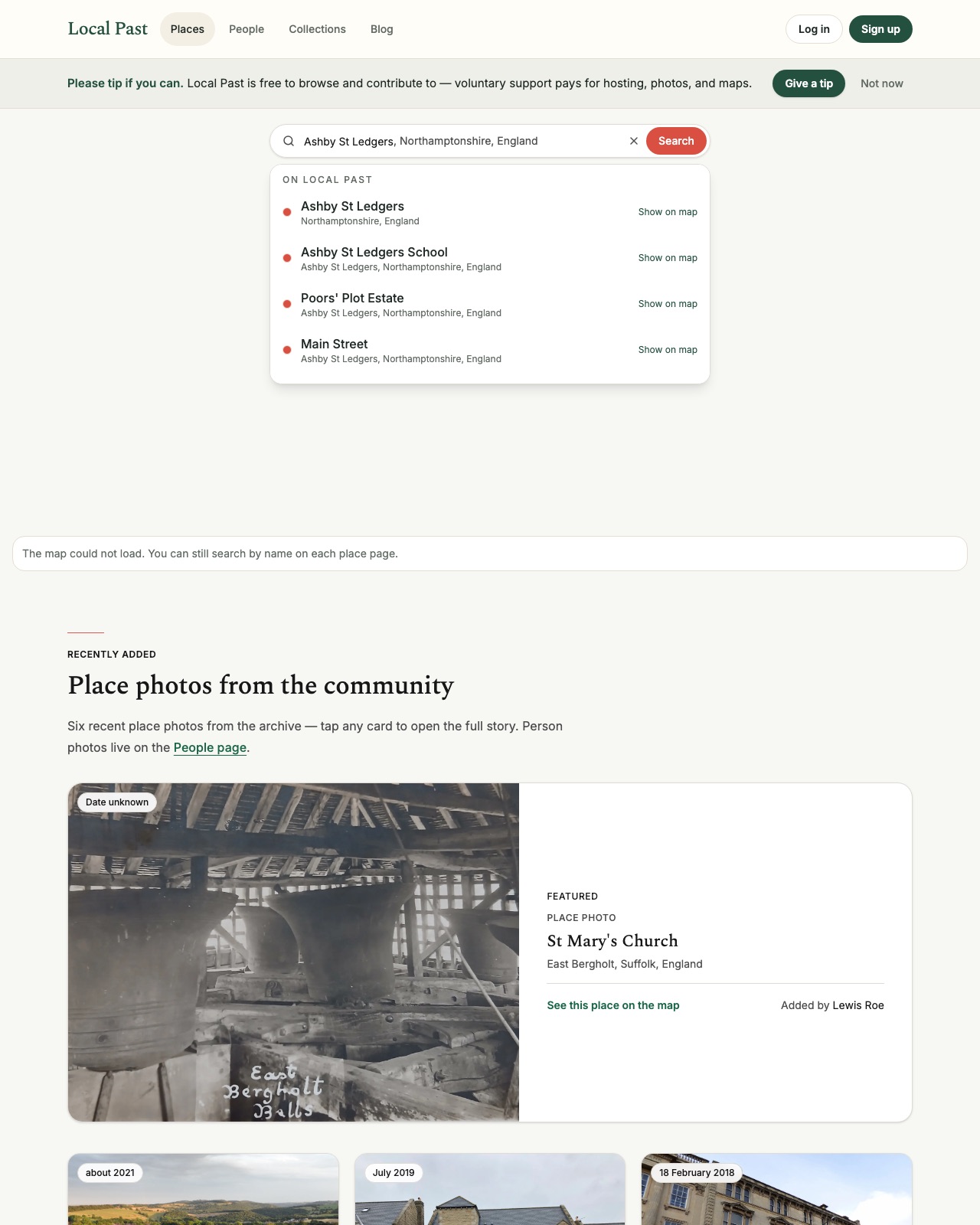
From the homepage or Places, search by name. Start with the town or village if you are unsure of the exact street. Open the place that matches, then look for “places within” to drill into streets and buildings.
Read the place page
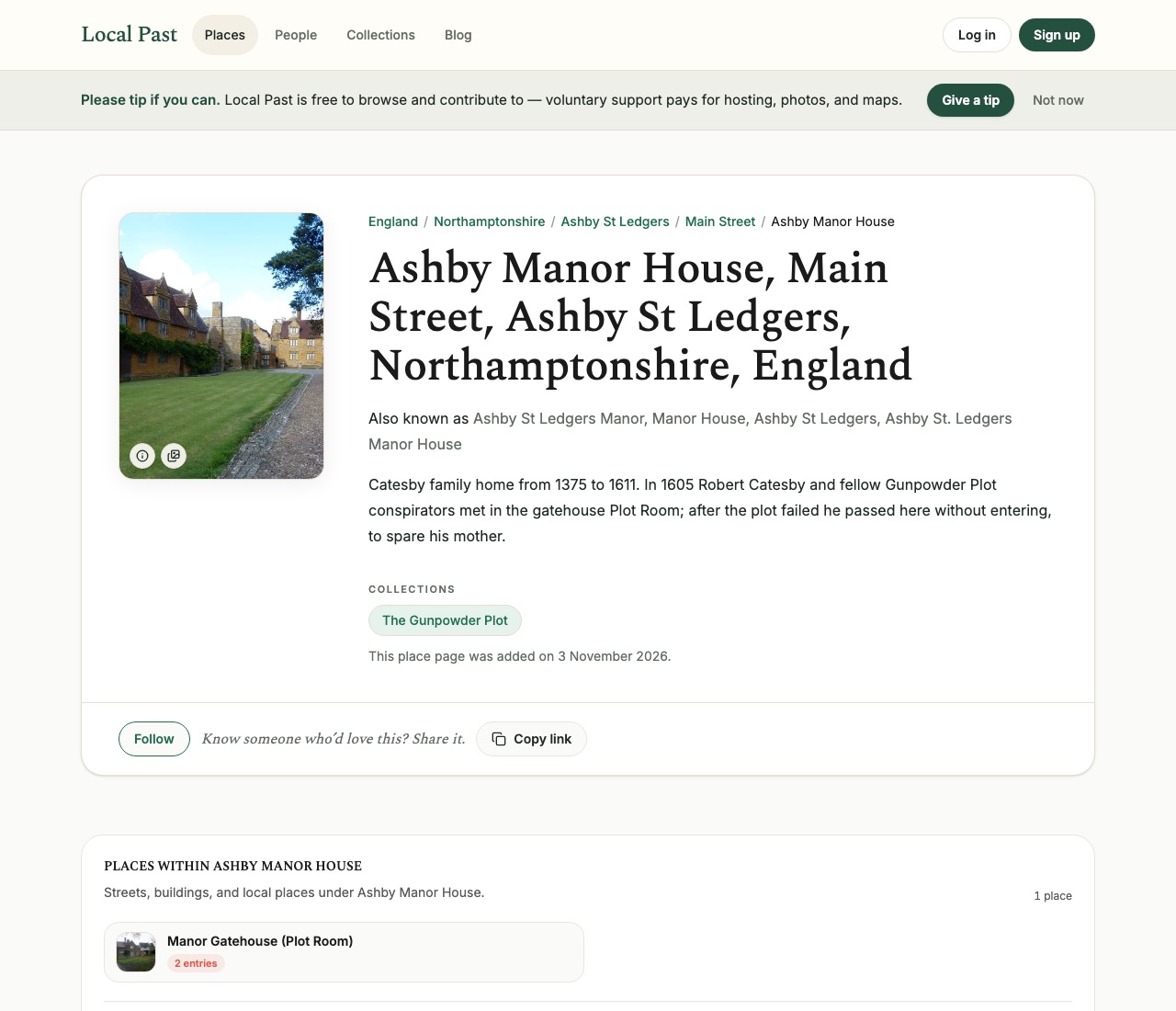
Each place page shows the hierarchy (county → parish → street → building), any other names the place is known by, a short description, and collections it belongs to. Below that you will find places within it, connected people, and the timeline of contributions.
Follow the links
Names in an entry open person pages. Places open other place pages. Collections group related material — for example a police photograph book or a historical plot — without removing entries from the place timelines they belong on.
Add what you know
If you recognise a building, can date a photograph, or have a source for a claim, sign in and contribute. Tag the place again so your note sits with the rest of the record.
Browse nearby
From a place page you can move up to the parent town or county, or into child places. That hierarchy is how Local Past keeps a house history connected to its street and parish.
Exploring places is often the fastest way into local history when you do not yet know a surname.
Local Past Updates
Signing up for Updates creates a Local Past account. Opening an account opts you into occasional archive emails. Every email has an unsubscribe link.