1 November 2026 · How-to
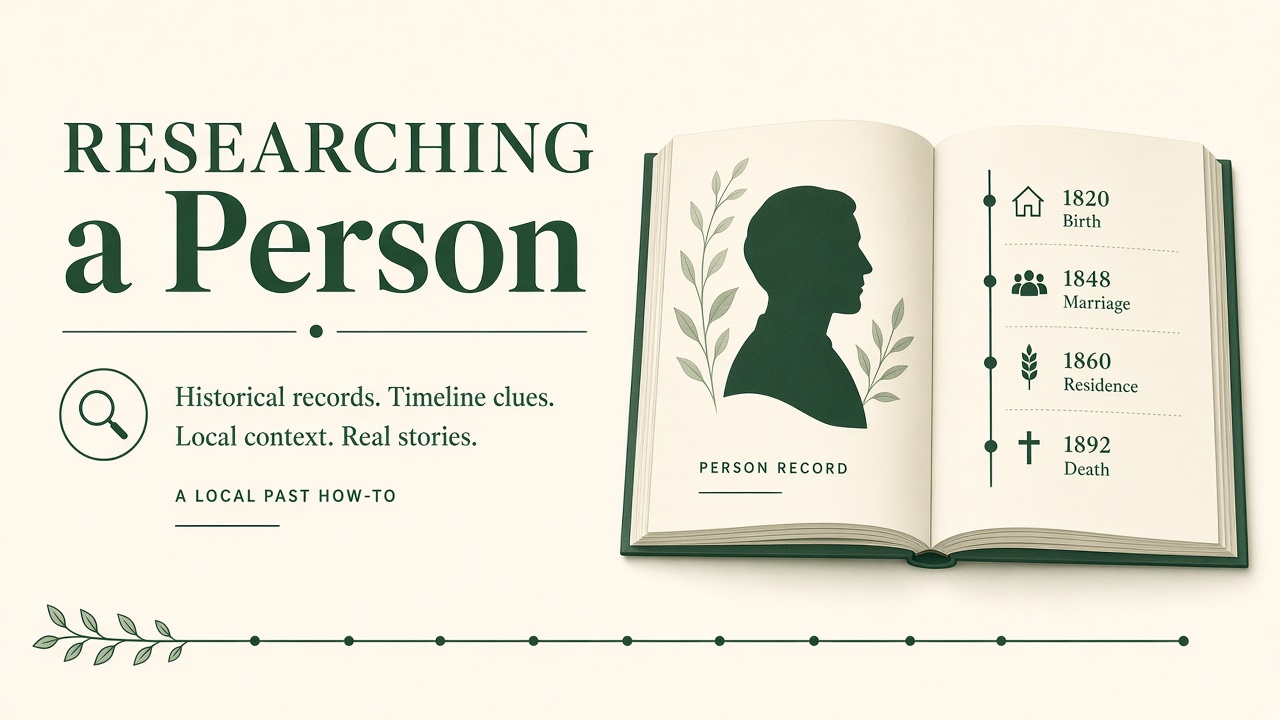
How to research a person on Local Past
Search for someone on Local Past, read their timeline, and add records or photographs that strengthen the shared story.
Person pages on Local Past gather what the community has linked to one life: photographs, events, places, and relationships. This guide is a simple way in for family historians.
Search carefully
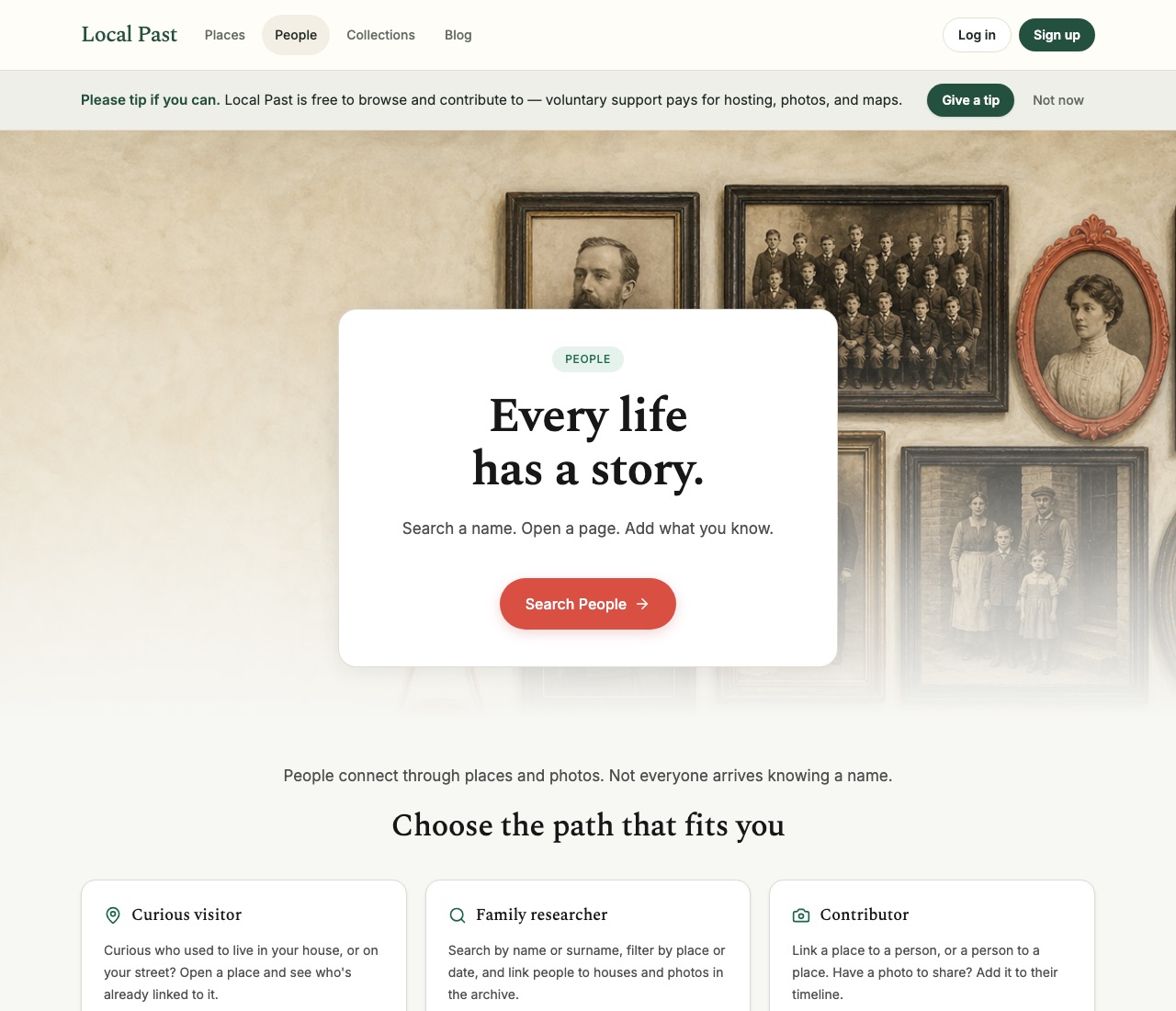
Open People and search by name. Add a place or date range if the name is common. Check possible spellings and married names. If you find the right person, open their page rather than creating a duplicate.
Read the person page
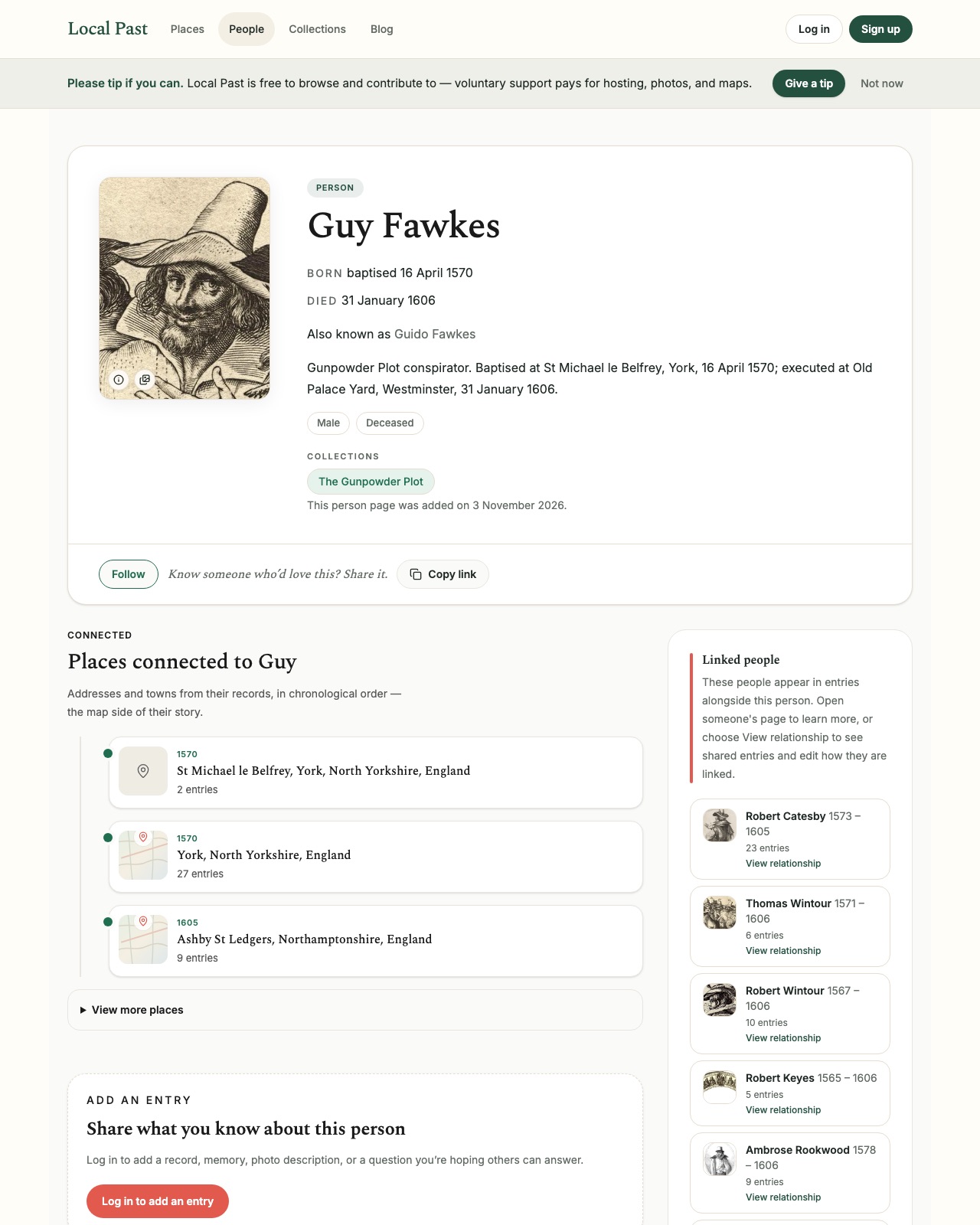
A person page shows birth and death clues when known, aliases, a short biography, and collections. Connected places list where they appear in the archive; linked people show others who share entries with them.
Add evidence, not just claims
When you contribute, prefer a photograph, a transcription with a citation, or a clear research note that separates what the source says from what you infer. Tag the person and the places named in the source.
Connect relationships
Where the site allows, link parents, spouses, and children so the network stays consistent. If you are unsure, leave a note rather than forcing a relationship.
Come back later
Other members may tag the same person from a different angle — a police book, a headstone, a workplace. Following the person or revisiting their page is how incomplete stories fill in over time.
Local Past works best when each person page is a careful pile of evidence, not a finished biography written once.
Local Past Updates
Signing up for Updates creates a Local Past account. Opening an account opts you into occasional archive emails. Every email has an unsubscribe link.